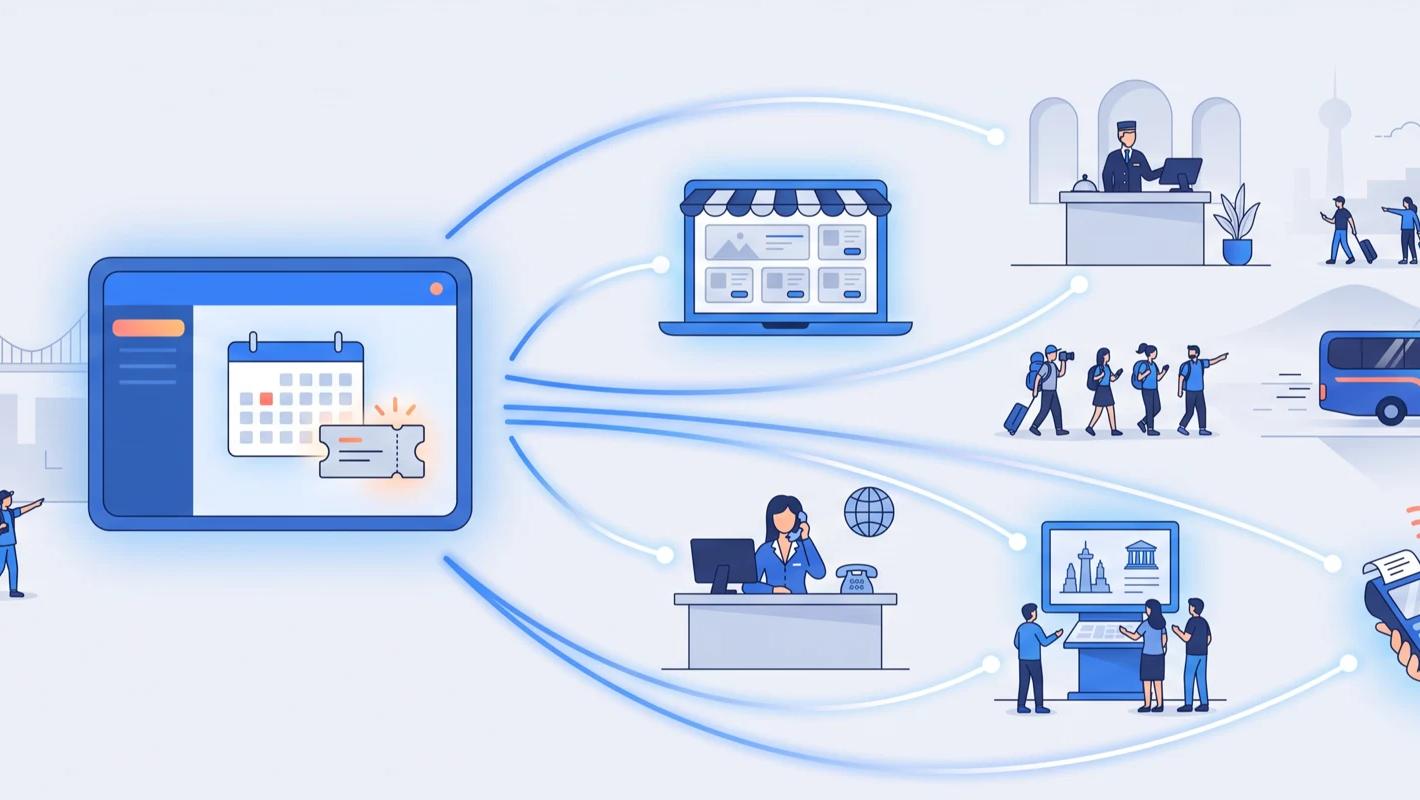
Every marketing tool you adopt — analytics, ad conversion tracking, remarketing, heatmaps — wants its own snippet of code on your website. If each change means asking a developer and waiting for a release, experiments stall. Google Tag Manager solves that: install one container snippet once, then add, edit, and remove every other tag from a web interface, with no further code changes.
For operators using TicketingHub, that agility applies to booking tracking too. The booking widget runs on your own pages, and it announces bookings through browser events that Tag Manager can turn into triggers for any tag you run — so "track bookings in tool X" stops being a development project and becomes an afternoon's configuration.
What is Google Tag Manager?
Google Tag Manager (GTM) is a free tag-management service from Google. A "tag" is any small script a third-party tool asks you to install. Rather than pasting each one into your site's code, you place a single GTM container snippet on every page, then manage all your tags inside GTM: which tags exist, what triggers them, and what data they receive.
It is not the same thing as Google Analytics. Analytics collects and reports data; Tag Manager is the delivery system that gets Analytics — and every other tracking tag — onto your pages. The two are usually used together.
Why it matters for a tour or attraction business
Marketing for tours and activities is seasonal and fast-moving. One month you're testing a new ad channel, the next you're adding a conversion tag for a partner. GTM means those changes happen in minutes, from a browser, with a preview mode to test safely and version history to roll back if anything misbehaves. Your website's code stays untouched, and your developer stays undisturbed.
How it works with the TicketingHub widget
The TicketingHub widget emits browser events as guests move through booking: th:page_view when the booking step changes, and th:purchase when an order completes — the purchase event carrying currency, order value, and a unique order ID.
A short listener snippet, added once through GTM itself, picks up these events and pushes them into your data layer. From there, GTM triggers can fire whatever tags you choose: a Google Ads conversion tag, a GA4 purchase event, a Meta Pixel purchase — all fed with the real booking value and de-duplicated by order ID, all managed from one dashboard.
Fire ad conversion tags on real bookings
The most common setup: a Google Ads conversion tag triggered by the widget's purchase event, reporting actual booking revenue back to your campaigns. Smart Bidding then optimises towards booked value rather than clicks — and adding the same conversion to Microsoft Ads or any other network is another few clicks in GTM, not another development ticket.
Test new tools without touching your website
Curious whether a heatmap tool, an affiliate network, or a new analytics product earns its keep? Add its tag in GTM, run it for a month, and remove it just as easily. Because the widget's booking events are already in your data layer, most tools can report against real bookings from day one.
Keep tracking consistent and compliant
With every tag in one container, you can see exactly what runs on your site — useful for both accuracy and privacy compliance. GTM integrates with consent management platforms, so tags only fire for visitors who have accepted the relevant cookies, across your whole site and booking flow alike. When a tool is retired, deleting its tag removes it everywhere at once — no orphaned scripts quietly collecting data years after anyone looked at them.
Getting started
- Create a free Google Tag Manager account and add the container snippet to your website — the last code change you should need.
- Add a listener for the TicketingHub widget's purchase event that pushes the order details to the data layer.
- Create triggers and tags for the tools you use — Analytics, ad conversions, remarketing.
- Test everything in GTM's preview mode with a test booking, then publish.
TicketingHub support can share the example listener code from the help centre if you'd like a starting point.