Sell on GetYourGuide with TicketingHub
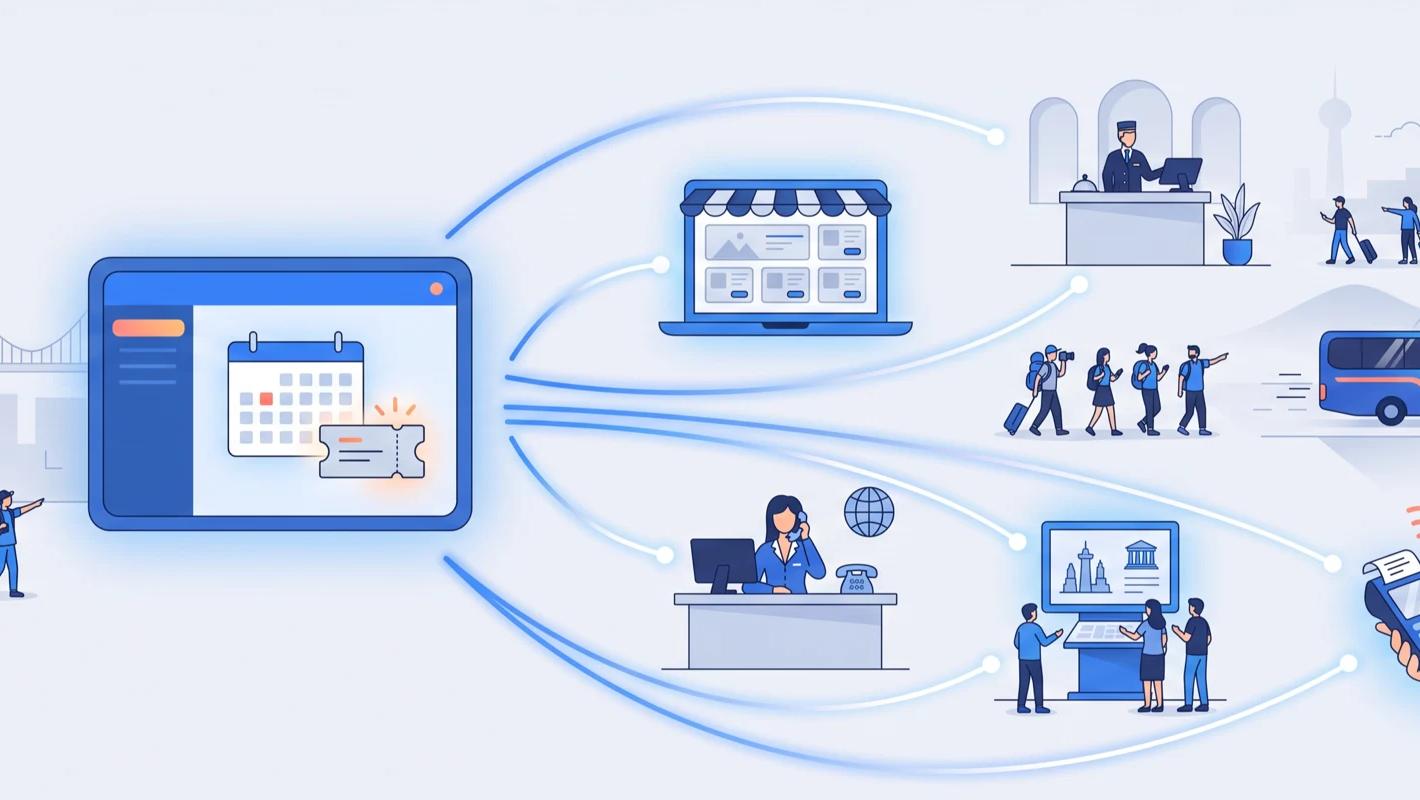
For tours, activities, and attractions, GetYourGuide is one of the highest-traffic shop windows in the world. The catch is operational: an OTA listing without connectivity means updating availability by hand and praying you don't oversell. TicketingHub connects your live inventory directly to your GetYourGuide supplier account, so your calendar, ticket types, and bookings stay in sync automatically — changes made in TicketingHub are reflected on GetYourGuide within seconds.
What is GetYourGuide?
GetYourGuide is an online travel agency (OTA) specialising in tours, activities, and attraction tickets — from cooking classes to skip-the-line museum entry, zoos, aquariums, and guided city tours — organised by destination and sold through its website and its iOS and Android apps. Established in 2009, it has grown into one of the world's leading experience marketplaces, raising more than $780 million from investors along the way and passing a $1 billion valuation.
For travelers, GetYourGuide's appeal is trust and convenience: top-rated activities, flexible booking, and mobile tickets. For operators, its appeal is simple — an enormous global audience actively searching for things to do in your destination.
How to become a GetYourGuide supplier
GetYourGuide runs its own supplier sign-up at supplier.getyourguide.com/register. Listing is free: GetYourGuide only charges a commission on successful bookings, at a rate that varies by country and is shared after you sign up. There are three steps:
1. Create an account with your business details and email address.
2. Verify your business. You need to be a registered company or independent operator, and GetYourGuide asks for your company registration number, tax ID and bank details before it pays you.
3. List your first experience. GetYourGuide reviews every activity against its safety, ethical and legal standards before it goes live.
Where is the GetYourGuide supplier login?
Existing suppliers log in at supplier.getyourguide.com/login. You still edit your listing content there, but once TicketingHub is connected you no longer update availability by hand: changes in TicketingHub reach GetYourGuide automatically, and GetYourGuide bookings land in your TicketingHub dashboard.
Is a GetYourGuide supplier account worth it?
GetYourGuide provides supplier support and helps operators grow exposure through product optimisation and the platform's analytics tools. Like most OTAs, it charges a commission per successful booking — the exact terms are part of your agreement with GetYourGuide. The honest trade-off: you give up margin on channel bookings in exchange for demand you could not reach yourself, so most operators treat OTA sales as incremental volume on top of a healthy direct business, not a replacement for it. We've written a full guide weighing the pros and cons for tour operators if you want to dig deeper before committing.
How the integration works
TicketingHub connects your live inventory to your GetYourGuide supplier account. Availability, pricing structure, and bookings are pushed and pulled automatically:
- Live sync — any change in TicketingHub is reflected on GetYourGuide and your other channels within seconds.
- No overselling — GetYourGuide sells from the same availability pool as your website and box office.
- One dashboard — GYG bookings drop into your TicketingHub orders and manifests like any direct booking.
- Mapped ticket types — Adult, Child, and other tiers are matched between the two systems so tickets display correctly.
Reaching international travelers you can't market to
GetYourGuide localises listings across languages and markets. A small operator in Lisbon or Krakow can be discovered by German, American, or Japanese travelers without spending a cent on international advertising — the OTA does that work, and you fulfil the experience.
Monetising last-minute availability
Because sync is near-instant, tomorrow's unsold places can stay on sale on GetYourGuide right up until your cut-off. In-destination mobile browsing is a large share of OTA demand, and live connectivity is the only safe way to capture it.
Running multi-channel without extra staff
Before channel managers, operators kept OTA allocations in spreadsheets and spent hours re-keying bookings. With the connection in place, one person can run distribution across GetYourGuide and other channels as a side task rather than a full-time job.
How to connect: the three-step setup
The GetYourGuide connection is a direct API integration you can set up from your dashboard. Three steps:
- 1. Map your ticket tiers — open your product's Tickets tab, edit each tier, and under Advanced → Custom OTA Mapping select the matching ticket type (Adult, Child, and so on), then update the ticket. This ensures tickets display correctly on GYG.
- 2. Create a reseller profile — under Resellers, create "Get Your Guide" with the wholesale payment model, your GYG contact email, your currency, and GetYourGuide selected as the OTA.
- 3. Link your Product ID — open the product in your dashboard and copy the ID from the URL (the string between /products/ and /inventory), then paste it into your GetYourGuide account when setting up the connection.
Once connected, bookings start syncing and your calendar stays current. Our support team is a message away if you'd like a hand at any step.
A note on cancellations
GYG cancellations sync one way: from GetYourGuide into TicketingHub. Cancelling on GYG automatically cancels the booking in TicketingHub, but cancelling only inside TicketingHub does not cancel it on GYG — the customer's booking would remain active. Always cancel GYG bookings on the GetYourGuide Supplier Portal.