
History museum admissions, from ticket choice to arrival
Give visitors a clear way to choose admission, select an available visit and pay on your website. TicketingHub helps history museums manage online reservations and in-person ticket sales alongside supported sales channels.
Timed entry and guided museum visits
Set up the admission products and visit times you sell. Distinguish general admission, a timed exhibition and a guided tour so guests understand what each ticket includes. Show opening times, arrival instructions and any access restrictions before checkout.
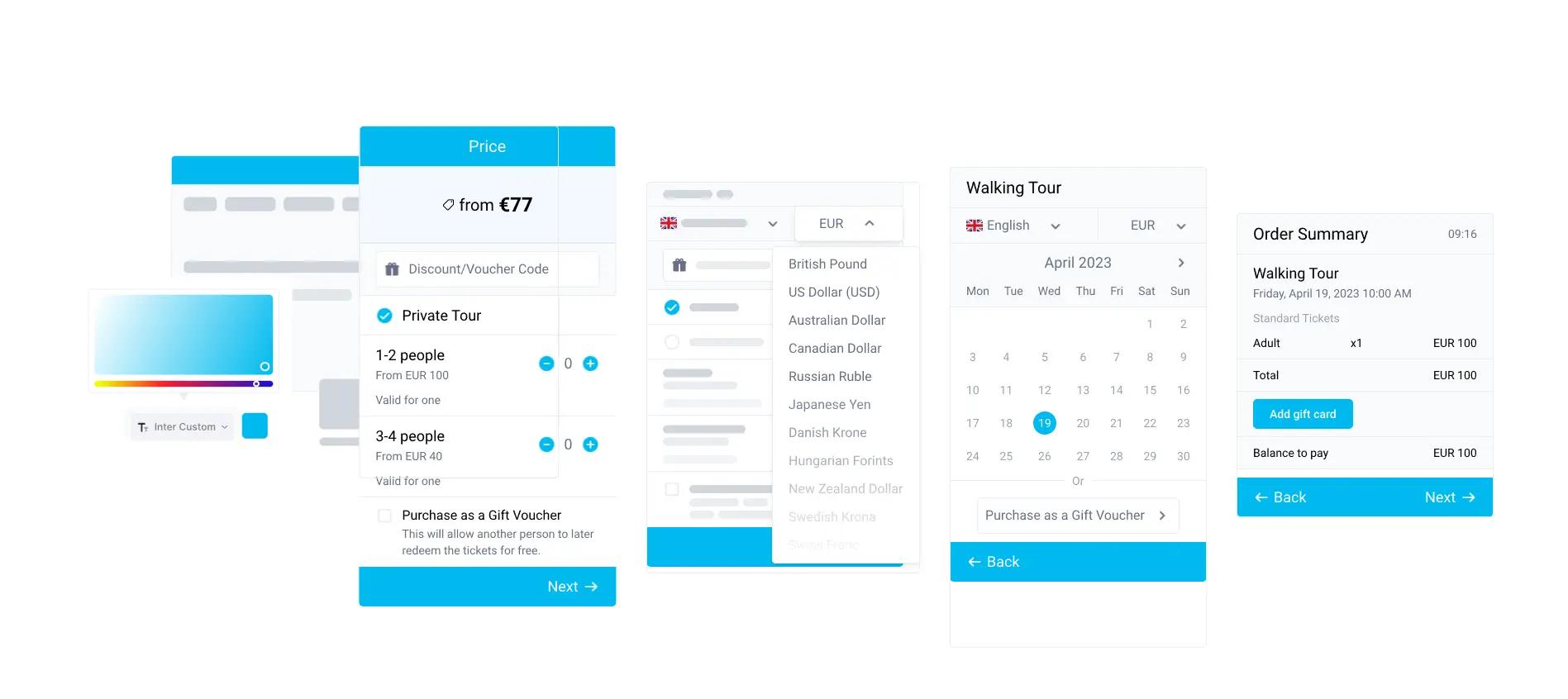
Timed entry controls the number of tickets offered for a session. It does not automatically measure how many people are physically inside every gallery. Check how shared capacity works when several products use the same space.
School groups and educational visits
School visits often need different arrangements from individual admission. Agree group sizes, accompanying adults, accessibility needs, arrival times and any education sessions before configuring the booking flow.
Test whether a group should book instantly or contact your team first. Confirm the handling of purchase orders, deposits, invoices and payment deadlines rather than assuming every school’s process is covered by standard checkout.
Online and front-desk ticket sales
Use a website booking widget for advance reservations and in-person sales tools for walk-ins. Check that staff can find an existing booking, identify the correct visit and handle a change under your museum’s policy.
Bring a realistic busy-day scenario to a demo: online admission, a school arrival, a late visitor and a walk-in sale. Confirm supported hardware, connectivity requirements and how availability updates.
Memberships, donations and museum shops
Admission ticketing is one part of a museum’s operation. Membership entitlements, recurring renewals, donation handling, Gift Aid, collections records and shop stock can require additional systems or specific configuration.
List those requirements separately and ask for each workflow to be demonstrated. A ticket-sales dashboard should not be treated as proof that collection management, retail inventory or donor administration is included.
Visitor confirmations and booking changes
Use confirmations and reminders to explain the entrance, visit time, ticket conditions and contact details. TicketingHub’s Magic Link can let visitors make eligible changes within the options and deadlines configured for the product.
Decide which changes visitors can make themselves and which need staff approval. Publish clear rules for missed slots, exhibition upgrades and group amendments.
Sales channels and reporting
Supported reseller connections can help distribute bookable museum experiences. Confirm the connection, product mapping, commissions and availability rules for each channel you intend to use.
Review booking and ticket-sales reports to understand demand by product and visit time. Website analytics and Search Console answer different questions about acquisition; they do not replace admissions reporting.
Clear booking costs
TicketingHub’s standard fee is 3% per successful booking across online, in-person and OTA sales, with no monthly or setup fee. Payment processing charges and marketplace commissions are separate. Compare the full cost for your sales mix.