Turn Google searches into confirmed bookings
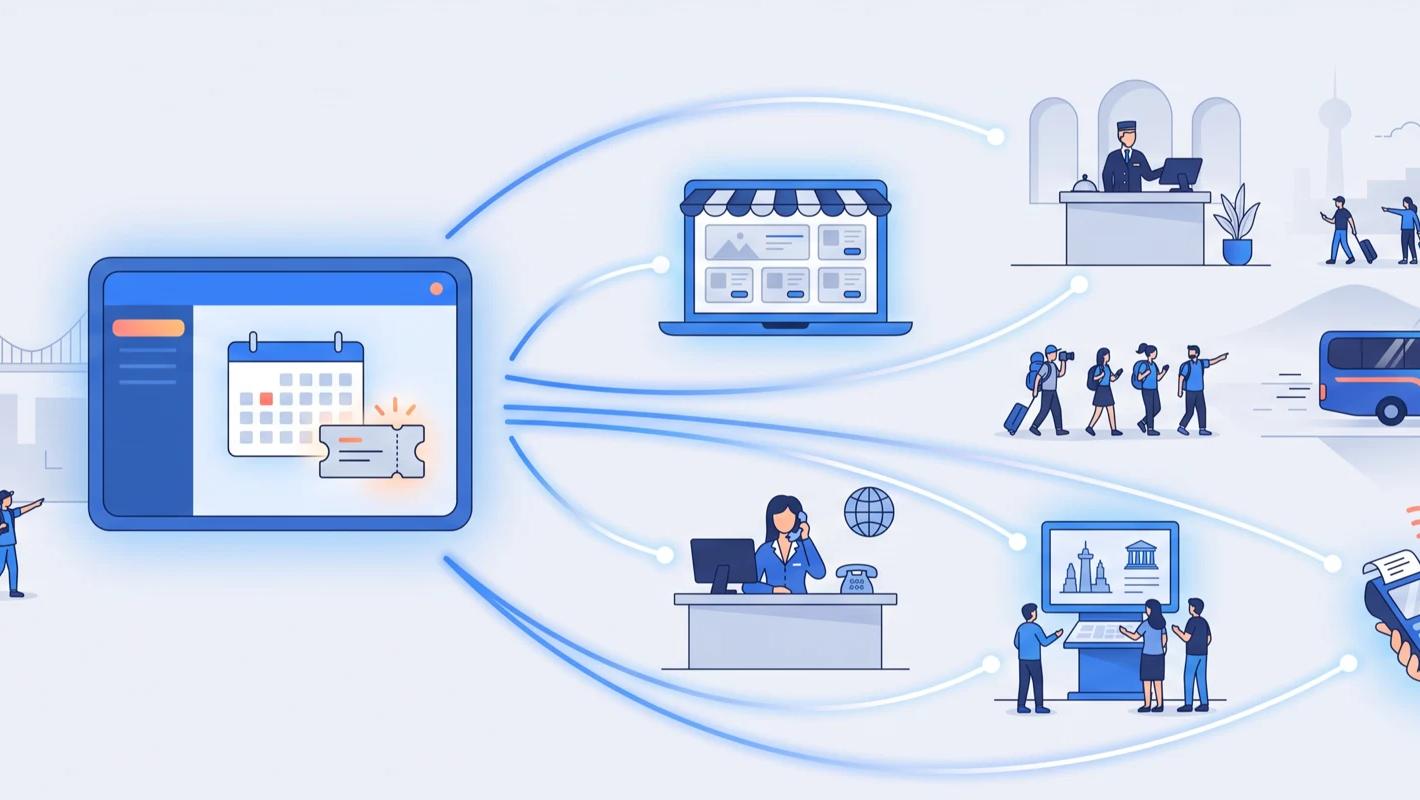
Before booking a tour or an attraction ticket, almost every traveller does the same thing: they Google it. They search the activity name, open the map, read the reviews — and then, too often, they wander off to a third-party site to finish the job. Reserve with Google closes that gap. It adds booking directly to your presence on Google Search and Google Maps, so the traveller who found you can book you on the spot.
For operators, the appeal is simple: this is not a new audience you have to win, it is the audience you already have — the people actively searching for you or for things to do in your area — converted with fewer steps and fewer places to get lost along the way.
What is Reserve with Google?
Reserve with Google is Google's booking surface. It lets customers find and book local businesses directly through Google Search, Google Maps and the Google Assistant, with no extra app to download. When a business is connected through a supported booking partner, its listing gains booking functionality, and the same information travellers already check — hours, services, reviews — sits right next to the button that seals the deal.
Because real-time availability comes from the booking partner, what Google shows is genuinely bookable: live dates and times, not a contact form and a wait.
It also changes how comparison works in your favour. When a traveller weighs up nearby options in Maps, listings sit side by side with their reviews, photos and opening hours; a listing that can also take the booking on the spot removes the last reason to leave and search elsewhere.
How it works with TicketingHub
TicketingHub acts as the booking connection behind your Google presence:
- Live availability — your real calendar powers what can be booked from Search and Maps, so Google never offers a slot you do not have.
- Bookings in one place — reservations made through Google drop into your TicketingHub dashboard and manifests alongside every other booking.
- No double-selling — a departure that fills on any channel closes on Google at the same moment.
- No extra admin — guest details arrive automatically; your team runs the day exactly as before.
Where it makes the biggest difference
Attractions with strong branded search
If travellers search your name — a museum, a zoo, an aquarium, a landmark tour — Reserve with Google shortens the distance between finding you and booking you. Fewer clicks means fewer people drifting off to resellers or abandoning the booking altogether.
Winning the "things to do near me" moment
A large share of experience bookings now happens in-destination, on a phone, often for the same day. When someone opens Google Maps and browses nearby activities, a listing they can book instantly stands out from one that just shows a phone number.
Converting map views into visits
Plenty of operators get thousands of views on their Google Business Profile every month and have no idea how many turn into guests. With booking built into the listing and channel-tagged orders in TicketingHub, that traffic finally becomes measurable revenue.
How to get started
Reserve with Google is enabled through TicketingHub rather than through a public switch in Google's own settings. Contact your account manager or our support team and we will take you through enabling the connection for your account and confirming which of your products are eligible. Two things worth doing on your side: keep your Google Business Profile claimed and accurate, and once the connection is live, make a test booking from your listing and confirm it appears in your Orders view — the same verification we recommend for any connected channel.