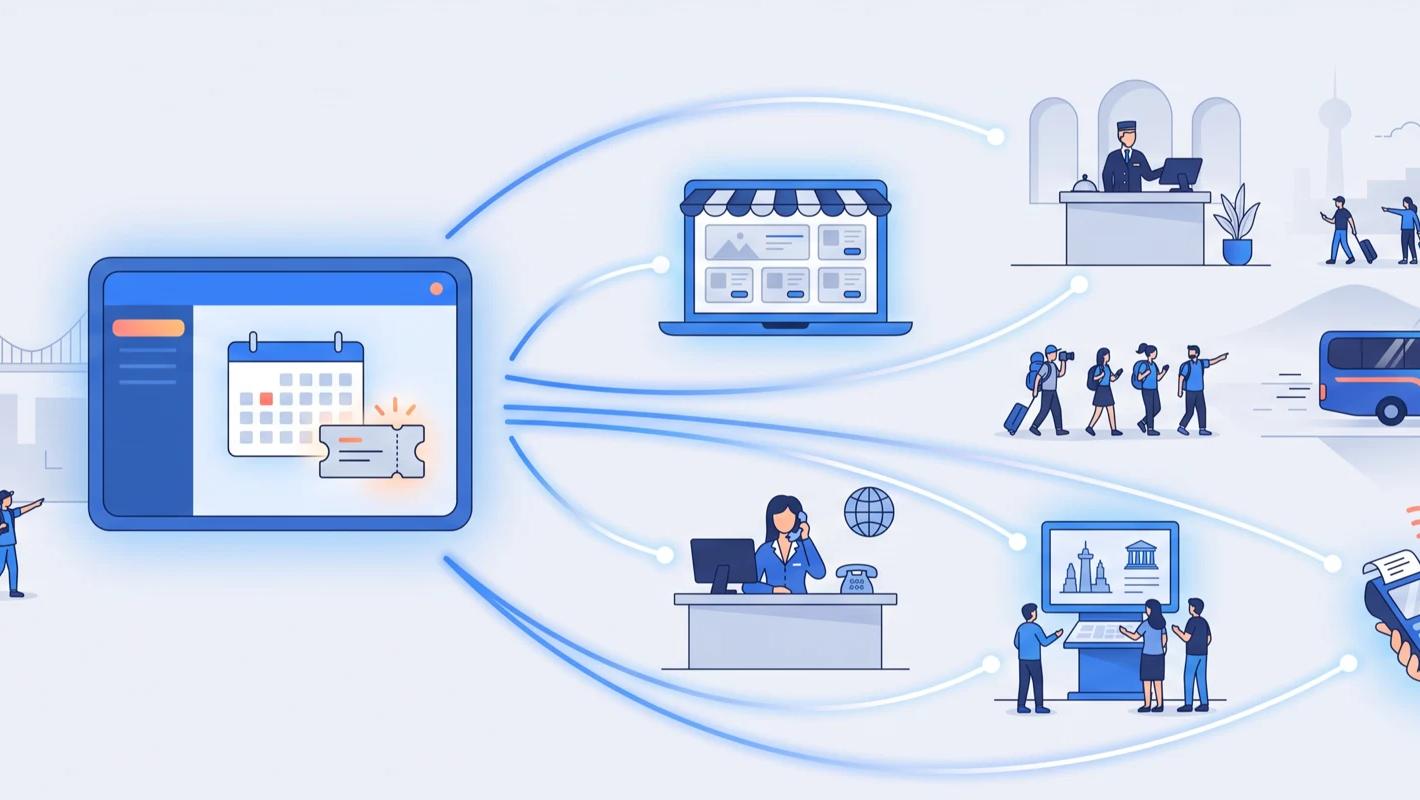
Not every ticket sale happens at a counter. Tours sell out at meeting points, queues get busted with a tablet in hand, and festival wristbands change hands from a belt pack. For those moments you need a printer that travels — which is exactly what the Star SM-S230i is: a pocket-sized Bluetooth receipt printer that pairs with the device running your TicketingHub point of sale and prints wherever the sale happens.
About the Star SM-S230i
The SM-S230i is a super-compact 58 mm (2") mobile receipt printer from Star Micronics, a Japanese manufacturer that has been one of the best-known names in point-of-sale hardware for decades — the sort of kit you'll find behind tills in cafés, shops, and hospitality venues the world over. It connects over Bluetooth to the Apple iPad, iPhone, and iPod Touch as well as Android, Windows, and Linux devices, and it is MFi certified — Apple's accreditation for accessories — which lets it reconnect automatically to previously paired iPads and iPhones instead of making staff re-pair every morning.
It's designed for a full working day in the field:
- Compact and lightweight — used on a counter or worn on a belt
- 19-hour battery life with an automatic sleep mode to stretch it further
- "Drop-in & print" paper loading — swap a roll in seconds, no threading
- Built for queue busting and mobile point-of-sale receipting in retail and hospitality
How it works with TicketingHub
The SM-S230i pairs over Bluetooth with the phone or tablet running the TicketingHub Outpost app — TicketingHub's point of sale for iOS and Android. Staff sell a ticket in Outpost, take payment through a connected card reader (SumUp or Zettle) or with Stripe Tap to Pay on the phone itself, and the printer produces the receipt on the spot.
Every sale made this way is a normal TicketingHub booking: it draws from the same live availability as your website widget, appears in the same dashboard, and shows up on the same manifest for scanning at entry. There's no end-of-day reconciliation between a "mobile" system and your "real" system, because there is only one system.
The workflow at the sharp end is deliberately short: pick the product and time in Outpost, take the payment, and the receipt is in the guest's hand before the card reader has gone back in the pocket. For staff who spend the day on their feet, the difference between that and walking guests back to a desk is measured in dozens of sales.
Queue busting at busy entrances
When the line at the ticket window grows, send a staff member down the queue with a phone and an SM-S230i on their belt. They sell, take payment, and hand over a printed receipt while guests are still waiting — shortening the queue instead of just watching it. Queue busting is precisely the use the printer was designed for, and it's the difference between guests who buy and guests who look at the line and walk away.
Selling at the meeting point
Walking tours, boat trips, and street-food crawls often start nowhere near a desk. With Outpost and this printer in a jacket pocket, your guide can sell last-minute spots to passers-by, confirm payment, and print a receipt — all before departure, with capacity updated instantly so the next guide doesn't oversell the same slot.
Pop-ups, festivals, and roaming staff
Seasonal kiosks and event stands rarely justify fixed hardware. A phone, a card reader, and an SM-S230i make a complete mobile box office that packs into a small bag — and the 19-hour battery comfortably outlasts the shift. When the season ends, there's nothing to decommission: the kit goes in a drawer and the bookings stay in your dashboard.
Setting it up
- Download the free TicketingHub Outpost app — iOS 14 or later, or Android 8.0 or later — and sign in.
- Charge the printer and pair it over Bluetooth with your device.
- Connect it as your receipt printer in the app and run a test print.
- Optionally connect a SumUp or Zettle card reader, or use Stripe Tap to Pay with no extra hardware at all.
The whole setup is a first-morning job rather than an IT project — and because multiple devices can be logged in to the same account at once, adding a second roaming seller is just a second phone and a second printer.