Why connect PaxFlow to TicketingHub?
TicketingHub is where your bookings happen: your website, resellers and OTAs all feed into one calendar. But once a guest has booked, a different kind of work starts — rostering guides, assigning vehicles and equipment, sending reminders, collecting missing guest details, and keeping everyone in the field informed. PaxFlow is built for exactly that operational layer, and this integration connects the two directly.
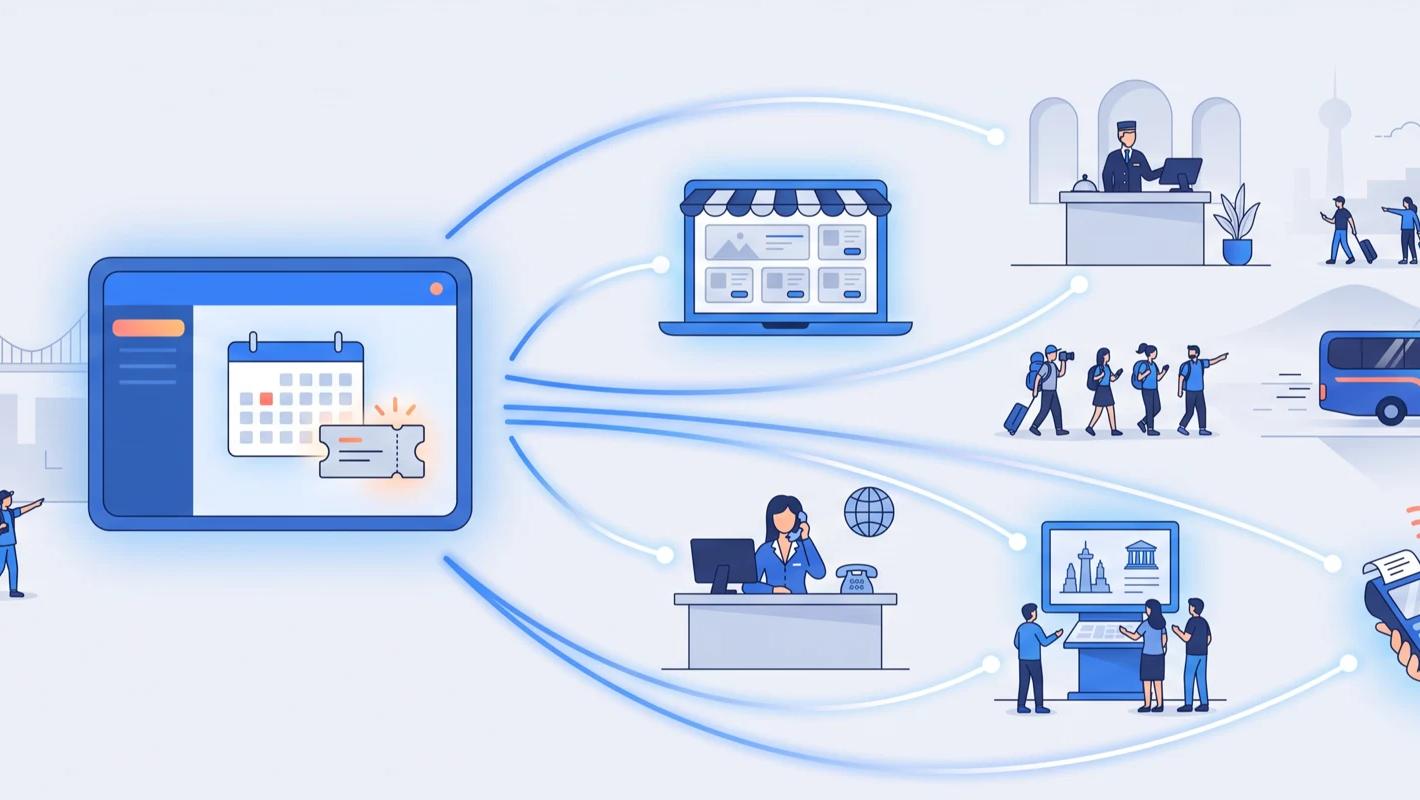
Bookings and departures flow from TicketingHub into PaxFlow automatically. Your team keeps selling in TicketingHub as before, while PaxFlow turns the day's bookings into staff schedules, guest messages and live operational overviews — no spreadsheets, no copy-pasting between systems.
There is nothing to rip out or replace. TicketingHub stays your booking platform and source of truth; PaxFlow sits on top as your operations layer.
What is PaxFlow?
PaxFlow is an operations platform for tour businesses, founded in Reykjavik, Iceland. It helps operators coordinate departures, resources and staff, automate guest communication over email, SMS and WhatsApp, and give guides and field teams the information they need on the day.
Where booking software answers "who bought what", PaxFlow answers "what needs to happen today, who is doing it, and does every guest know where to be".
How the integration works
The connection uses OCTO (Open Connectivity for Tour Operators), the open API standard for the tours and activities industry. TicketingHub exposes your products, availability and bookings over OCTO, and PaxFlow reads them so your operations always reflect the latest state of your calendar.
Guest contact details — name, email address, phone number and preferred language — are included with each booking, which is what lets PaxFlow message the right guest in the right channel without any manual data entry.
You control the connection with a dedicated API key created in your TicketingHub dashboard, and you can revoke it at any time.
What operators use it for
Departure and resource management
See every departure with its bookings, guides, vehicles and equipment in one place, and catch conflicts before they become problems on the day.
Staff scheduling
Schedule guides, drivers and support staff against real booking volumes coming from TicketingHub, instead of maintaining a separate rota by hand.
Automated guest messaging
Send booking confirmations, pickup reminders, weather updates and follow-ups automatically over email, SMS or WhatsApp, triggered by the booking data flowing in from TicketingHub.
Customer self-service
Guests can access their booking, fill in required forms and find practical information themselves through PaxFlow's self-service portal, which cuts repetitive questions before they reach your inbox.
Field operations
Guides and field teams see their assignments, manifests and guest details on their own devices — no printed sheets, no morning phone calls.
How to connect PaxFlow to TicketingHub
The setup is self-serve and takes a few minutes:
1. In your TicketingHub dashboard, go to Settings → Features and activate API Access.
2. This adds an API Tokens tab to your settings.
3. Create a new OCTO API key for PaxFlow.
4. In PaxFlow, open Integrations → TicketingHub and paste the key.
5. Select the products and availabilities you want to sync.
From then on, new bookings and changes flow into PaxFlow automatically.